MD / Owner / Top Management
See buyer quality pressure, report history, defect trends, and shipment risk without waiting for manual Excel consolidation.

KnitSure starts with the reports your QC team already prepares, then gives management, QA, QC, and merchandising teams a cleaner path toward full digital QMS.
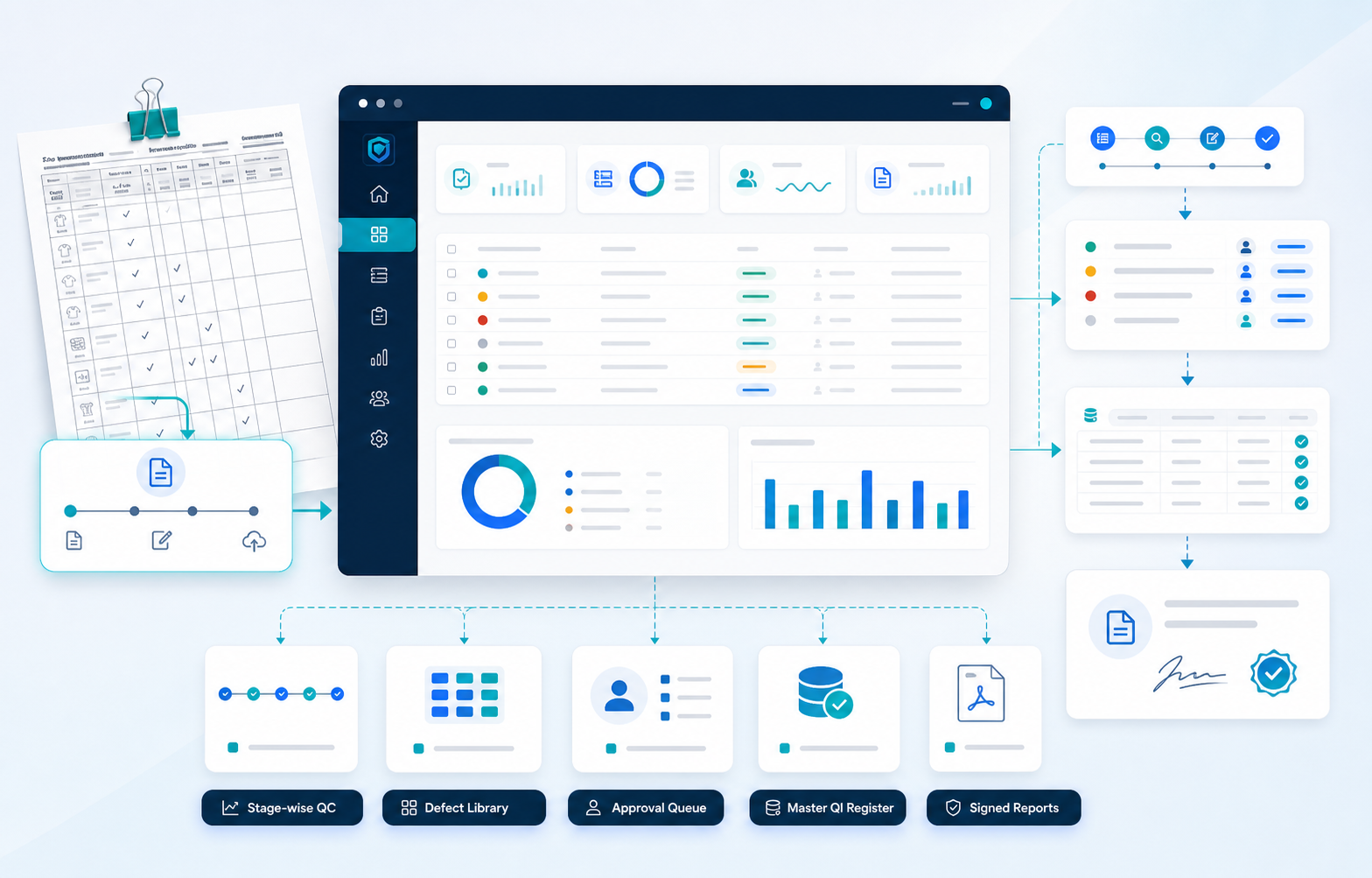
See buyer quality pressure, report history, defect trends, and shipment risk without waiting for manual Excel consolidation.
Control RCA/CAP, final inspection summaries, signatures, evidence, defect history, and buyer-ready reports from one place.
Reduce repeated Excel formatting, keep stage-wise quality records organized, and find old reports or evidence faster.
Respond faster when buyers ask for reports, explanations, live links, defect summaries, or claim evidence.
Manage subscription invoices, payment status, and billing records from the tenant billing section when the billing module is enabled.
Your team can begin with buyer reports and RCA/CAP. As users get comfortable, KnitSure connects more QC entries, dashboards, alerts, and decision reports into the same system.
As users get comfortable, KnitSure connects more QC entries, dashboards, alerts, and decision reports into the same system.
Start with the reports your buyers already ask for. Grow into full digital QMS at your own pace.